

Discover the secrets of transforming raw data into stunning visual insights with Tableau and PowerBI. Revolutionize your data analysis now!

Table of Contents
As a teacher transitioning into the realm of data analysis, mastering data visualization tools like Tableau and PowerBI can significantly enhance your ability to derive actionable insights from data. In this blog post, we will delve into the world of data visualization and provide practical tips for harnessing the power of these two popular tools.
Understanding Data Visualization
Data visualization is the graphical representation of information and data. By visually communicating complex datasets, patterns, and trends, data visualization enables users to make informed decisions based on the analysis of visual elements rather than raw data. As a teacher turned data analyst, embracing data visualization is key to unlocking the full potential of your analytical skills.
Exploring Tableau
Tableau is a leading data visualization tool that allows users to create interactive and visually appealing dashboards. For teachers stepping into the world of data analysis, Tableau provides a user-friendly interface and a wide range of data visualization options. To leverage the power of Tableau effectively, consider the following tips:
- Start with the basics: Familiarize yourself with Tableau’s basic features and functionalities to build a strong foundation.
- Practice with sample datasets: Experiment with different datasets to explore Tableau’s capabilities and create meaningful visualizations.
- Utilize Tableau’s community resources: Join online forums and user groups to learn from experienced Tableau users and seek guidance on advanced techniques.
Analyzing Data with PowerBI
PowerBI is a robust business intelligence tool that enables users to visualize and analyze data from various sources. As a teacher diving into data analysis, PowerBI offers a seamless platform for transforming raw data into insightful reports and dashboards. To make the most of PowerBI, consider the following tips:
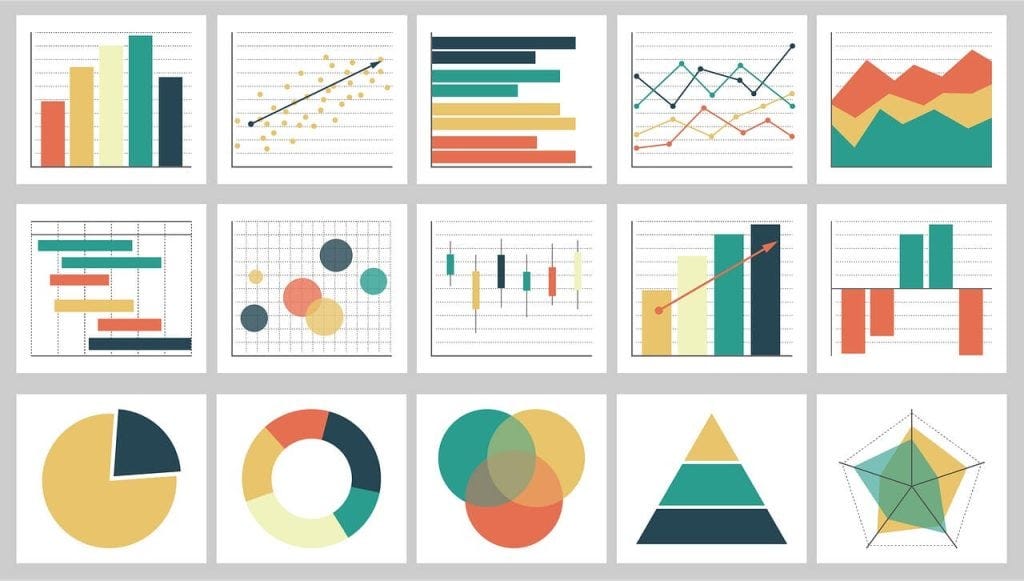
Image courtesy of medium.com via Google Images
- Connect to multiple data sources: PowerBI allows you to streamline data integration from various sources into a unified dashboard for comprehensive analysis.
- Utilize DAX functions: Familiarize yourself with Data Analysis Expressions (DAX) functions to manipulate data and create calculated columns that meet specific analytical requirements.
- Stay updated with PowerBI updates: Keep abreast of new features and updates in PowerBI to leverage the latest tools for data visualization and reporting.
Optimizing Data Visualization Techniques
Whether you choose Tableau, PowerBI, or both, optimizing your data visualization techniques can elevate the impact of your analytical insights. Consider the following best practices to enhance your data visualization skills:
- Understand your audience: Tailor your visualizations to cater to the needs and preferences of your target audience, whether it’s students, administrators, or other stakeholders.
- Focus on storytelling: Use your data visualizations to tell a compelling narrative that engages viewers and conveys key insights effectively.
- Experiment with different visualization types: Explore various chart types, graphs, and colors to present data in a visually appealing and easy-to-understand manner.
Conclusion
Embracing data visualization tools like Tableau and PowerBI can empower teachers embarking on a journey towards becoming proficient data analysts. By mastering these tools and refining your data visualization techniques, you can unlock the power of visual storytelling and derive meaningful insights from complex datasets. Remember, practice makes perfect, so take the time to experiment, learn, and build your expertise in the dynamic world of data visualization.